Manage Groups
 When a base production is added, a new group of the same name will be created.
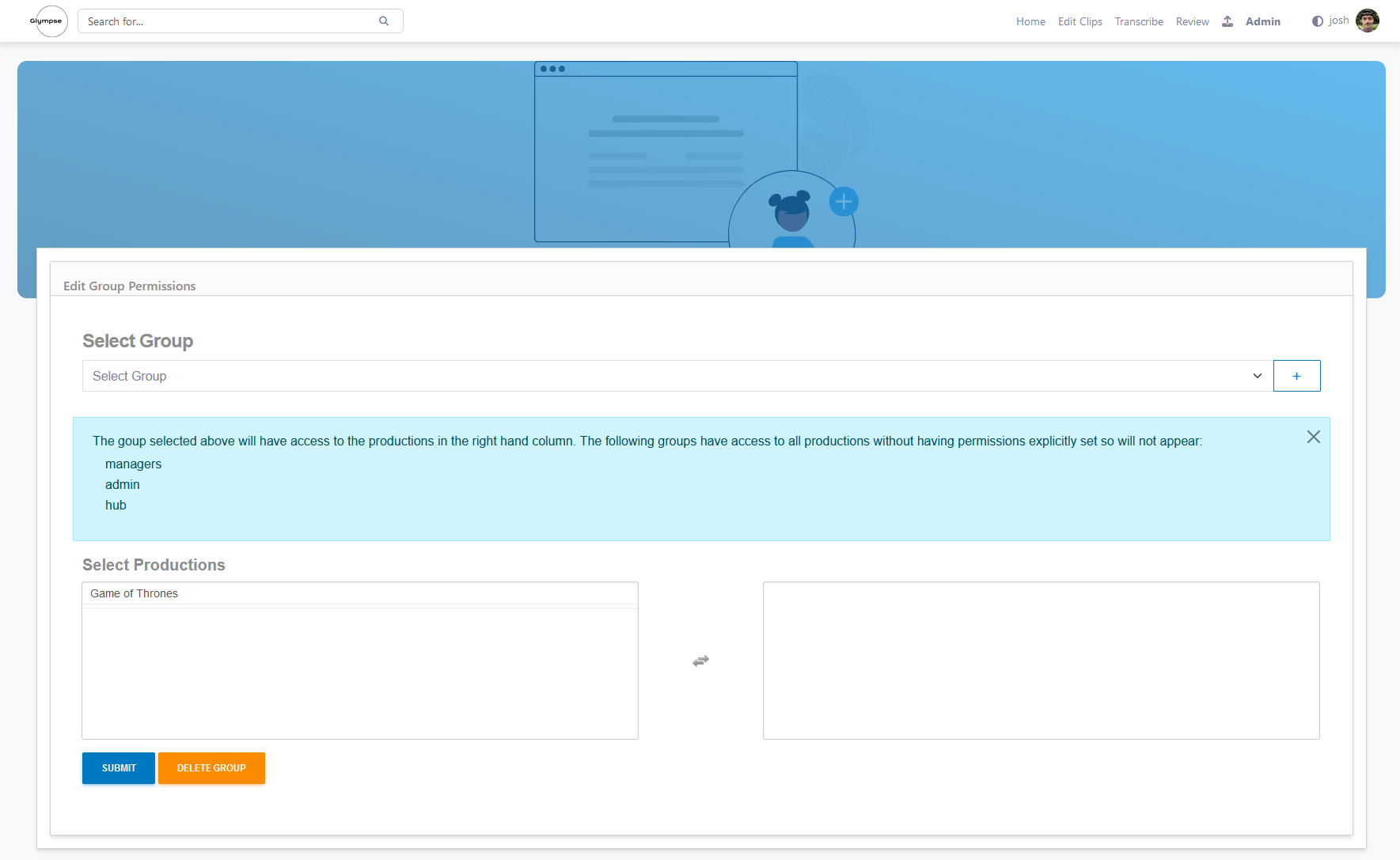
From this page you can select a group and assign productions to it. Users assigned to this group will then be able to access these productions.
You can add a new group by clicking the blue + button at the top right.
From this page you can add Base Production to a group, this will give every user in that group access to all the productions assigned to a Base Production.