Transcription
Glympse Can transcribe any of the clips in it’s database or you can upload individual files to be transcribed.
These transcriptions happen in house and are not sent to any third party for processing. There is no cost to transcribing through Glympse.
Once your file has been transcribed you will be sent a MS Word Document with the timecoded transcript. The timecodes are taken directly from the video/audio file.
You can view existing transcrips and check the progress of your transcript in the Transcript home page.
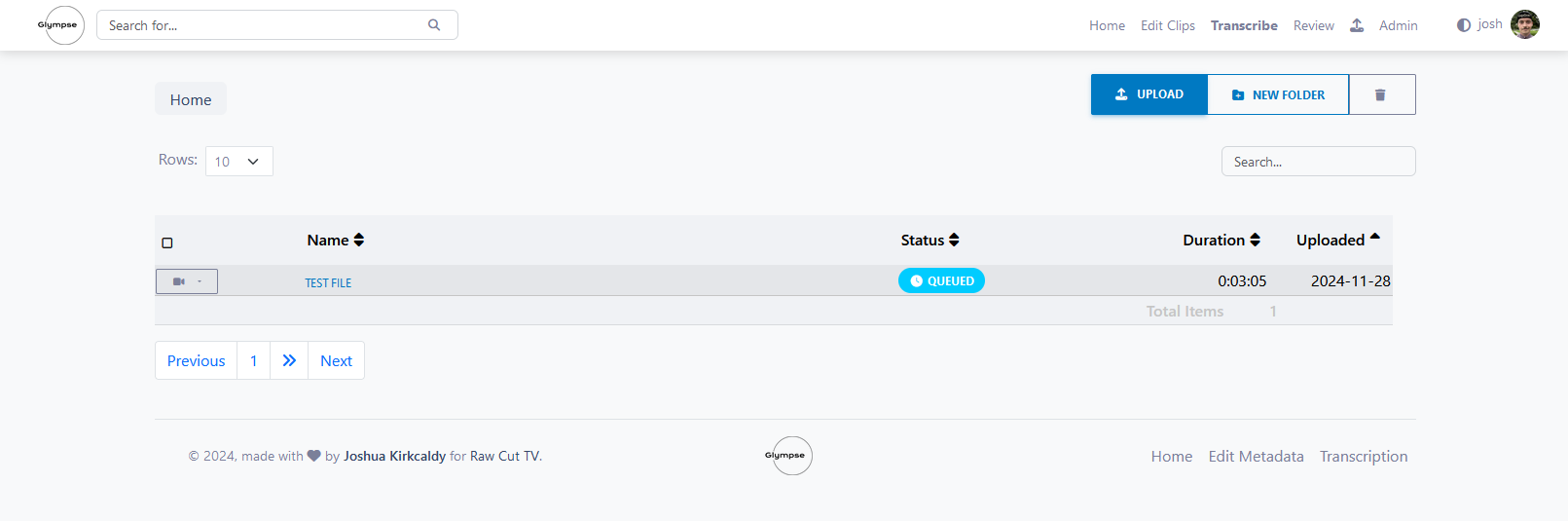
When your transcript has started it will appear as in progress:
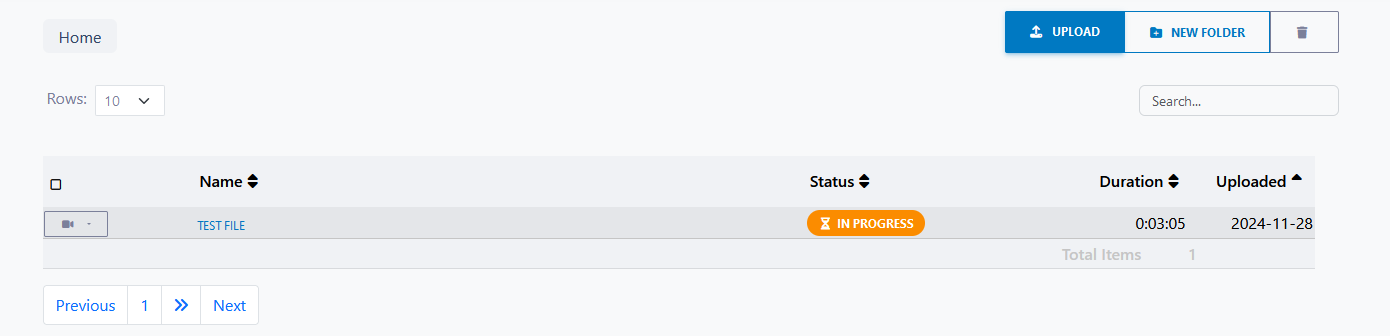
When it’s finished you can see the cucess in two stages:
 and once the email has been sent:

It is possible to view and edit the transcript live within Glympse. Click on the title of your transcript to view the transcript and play the file.